
Support
How can we help?
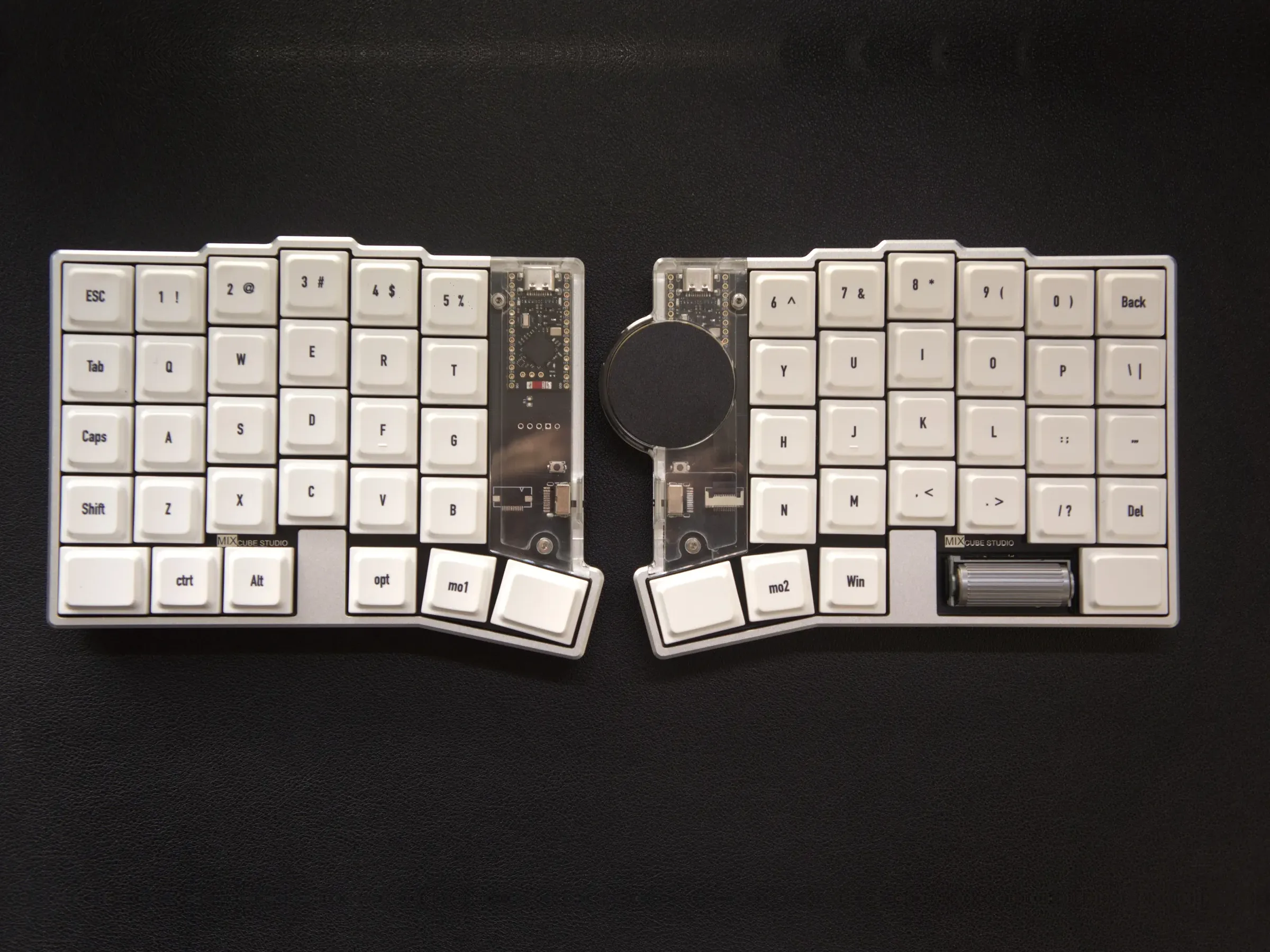
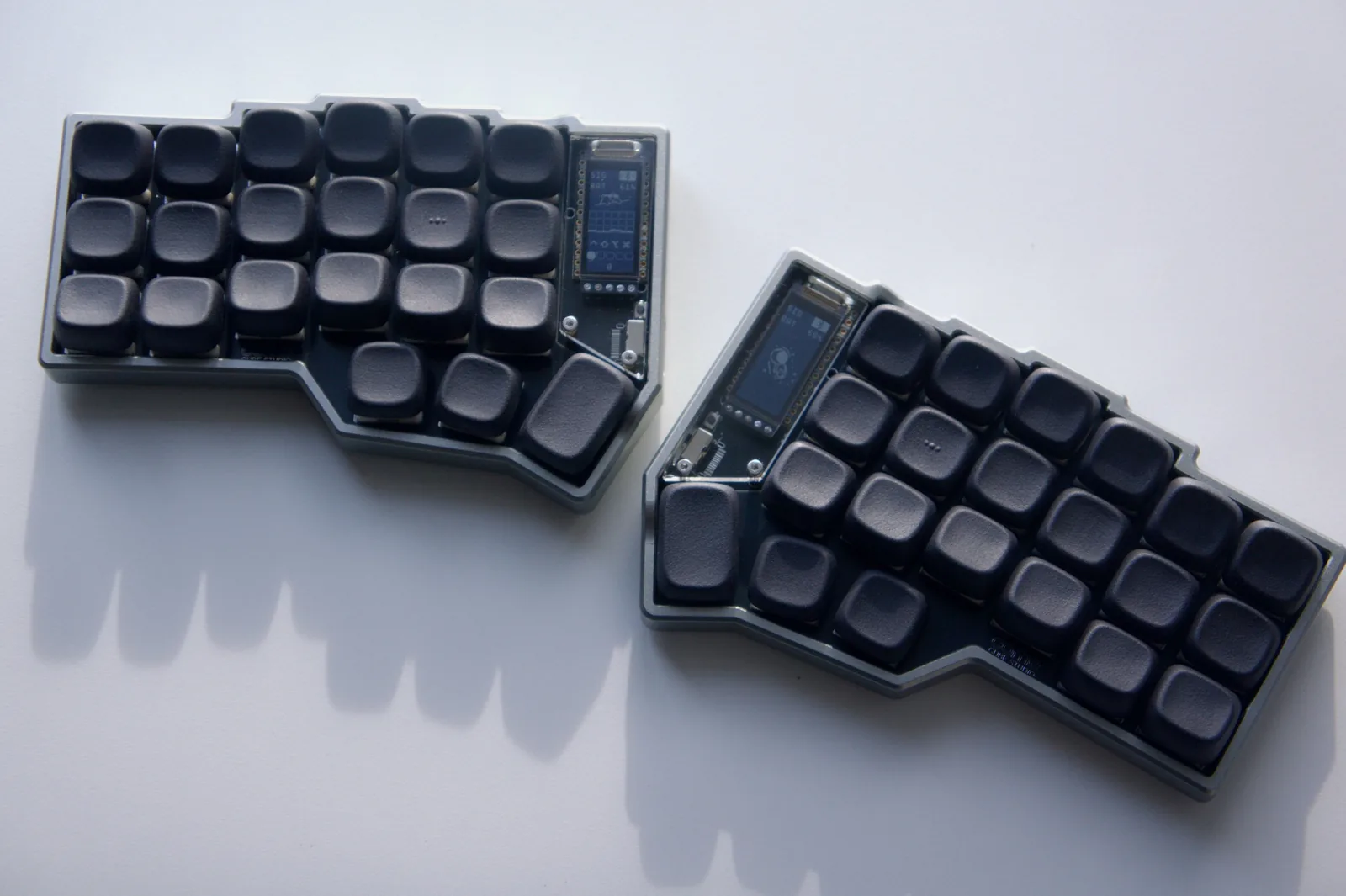
Choose your keyboard
Guides
Basics
- QMK, ZMK and RMK: know your firmwareHow the three open-source firmwares differ, and how to tell which one your keyboard runs.
- Layers, keycodes and behaviorsLayers, transparent keys, tap vs hold, combos — the shared basics of every firmware, with a syntax cheat sheet.
- Single vs split keyboardsCentral and peripheral halves, which side to plug in, how many times to flash, and how the halves connect.
Remapping
- Remapping overviewPick the right remapping tool for your firmware in three minutes.
- QMK: remap with VIARemap live in the browser; changes are written to the keyboard instantly. Works for single and split keyboards.
- QMK / RMK: remap with VialLive remapping in the Vial app or browser, with combos, tap dance and macros. Works with QMK and RMK keyboards.
- ZMK: remap with ZMK StudioRemap live over USB in the browser or desktop app — no reflashing.
- ZMK: remap with Keymap Editor and GitHubFork the config repo, edit visually, let GitHub build the firmware, then flash it. Works for every ZMK keyboard.
- QMK: remap with Configurator or sourceFor QMK keyboards without VIA / Vial: build a keymap on the web, download the firmware and flash it.
- RMK: edit the default keymap in keyboard.tomlChange RMK's built-in default keymap, build it in the cloud and flash it. For single and split keyboards.
Firmware & connection
Didn't find an answer?
Most problems are covered in the troubleshooting guide.